Components / Layout
u:split
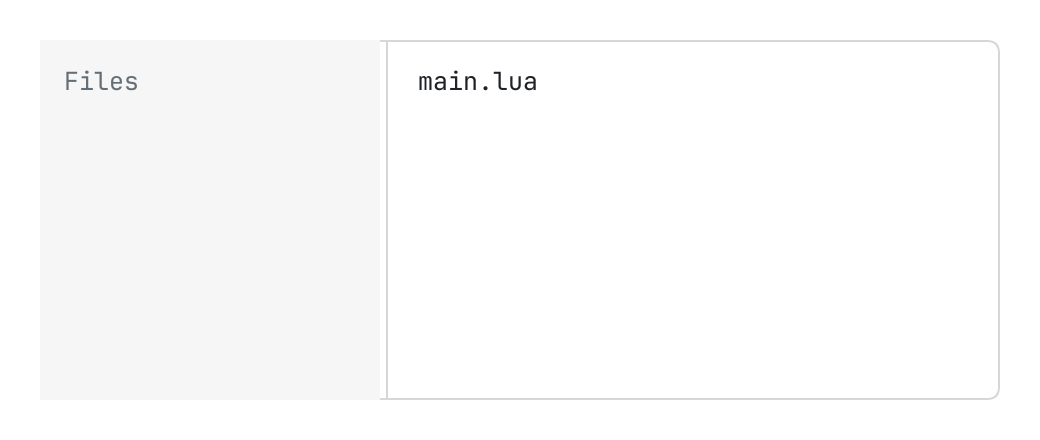
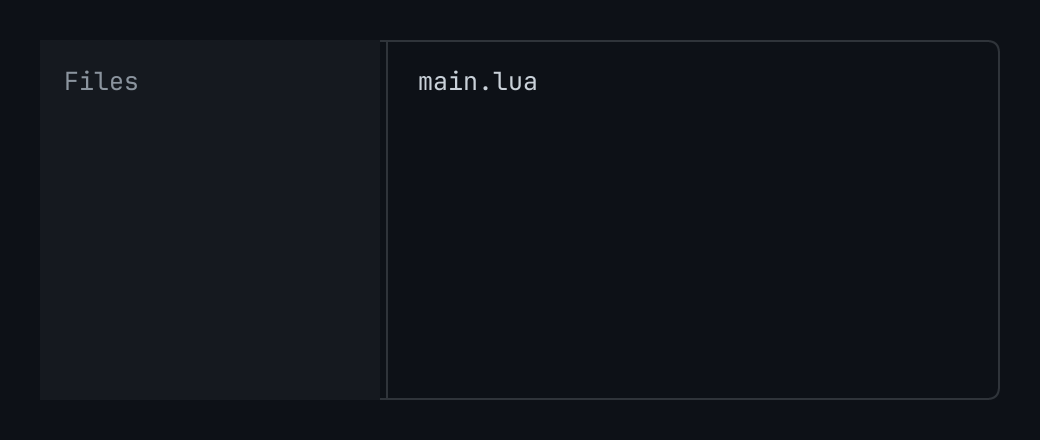
Two panes side by side and an edge between them that the person drags to size one: first and second are elements; side is the one that has the width, state.size points, between min and max.
The code
local state = { size = 170 }

return pencere.div():h(180):border(1, "border"):rounded(6):clip():child(u:split("side", {
	state = state,
	min = 120,
	max = 320,
	label = "Sidebar width",
	first = pencere.div():size_full():bg("raised1"):p(12):child(pencere.text("Files"):color("dim")),
	second = pencere.div():size_full():p(12):child(pencere.text("main.lua")),
}))
What it does
Two panes side by side and an edge between them that the person drags to size one: first and second are elements; side ("start", the default, or "end") is the one that has the width, state.size points (240 unless default says), between min and max. It says resize { size, final }: final = false as the edge goes, final = true when it is let go after it went, and for each step of the arrow keys (the page keeps the size where it keeps its settings, when final); a press on the edge that does not move it says nothing. The arrow keys on the edge size it by sixteen points, as a window splitter does. Under narrow_below points of page the sized pane leaves the row: second has all of it, and the sized pane comes over it with a scrim behind it while state.drawer is true (the page opens it, the scrim and escape say drawer { open = false }).