Components / Editing
u:find_bar
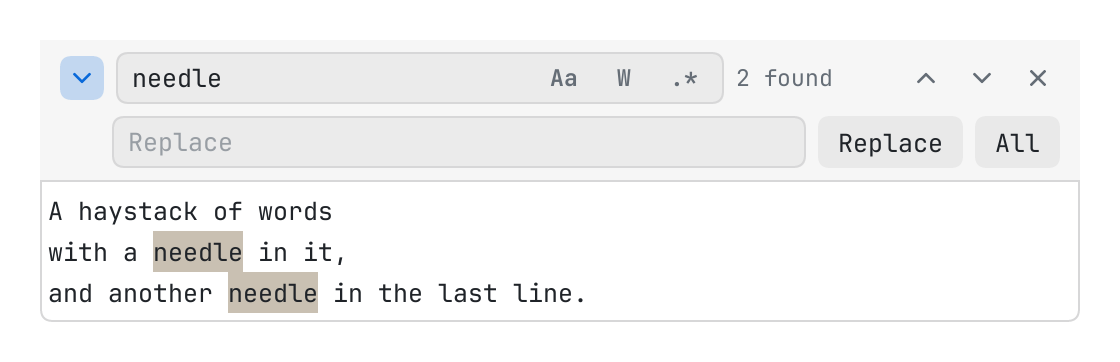
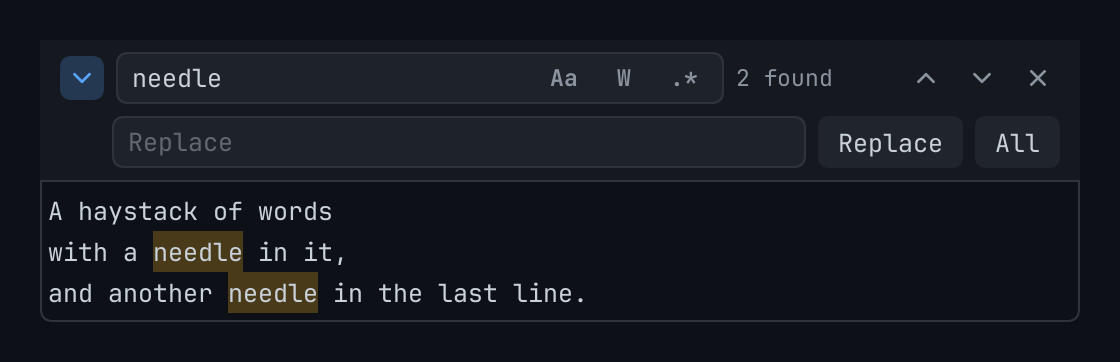
The find bar of the editor editor: a field for what to look for with the options of a search, the count of what is found, the buttons that go to the next and the one before, and, with state.replacing, a field for what to put in place and the buttons that replace one or all.
The code
local DOC = "A haystack of words\nwith a needle in it,\nand another needle in the last line.\n"
local state = { query = "needle", replacement = "", replacing = true }

return pencere.div():border(1, "border"):rounded(6):clip()
	:child(u:find_bar("find", { editor = "doc", state = state }))
	:child(pencere.editor("doc", { gutter = false, read_only = true }):w_full():h(70))
What it does
The find bar of the editor editor: a field for what to look for with the options of a search (match case, whole word, regular expression: state.case, word, regex), the count of what is found, the buttons that go to the next and the one before, and, with state.replacing, a field for what to put in place and the buttons that replace one or all (not for a read_only editor). state is the page's { query, replacement, case, word, regex, replacing }: put what is selected in state.query before opening the bar, and u:focus(id) to send the keyboard into it. The editor is asked to find as the query and the options change, enter goes to the next (shift enter, the one before) and escape closes the bar (and the editor stops finding). A bar for another editor than the one it had asks the new one to find, and the old to stop. compact leaves the replace row and its button out.