Components / Lists and data
u:list
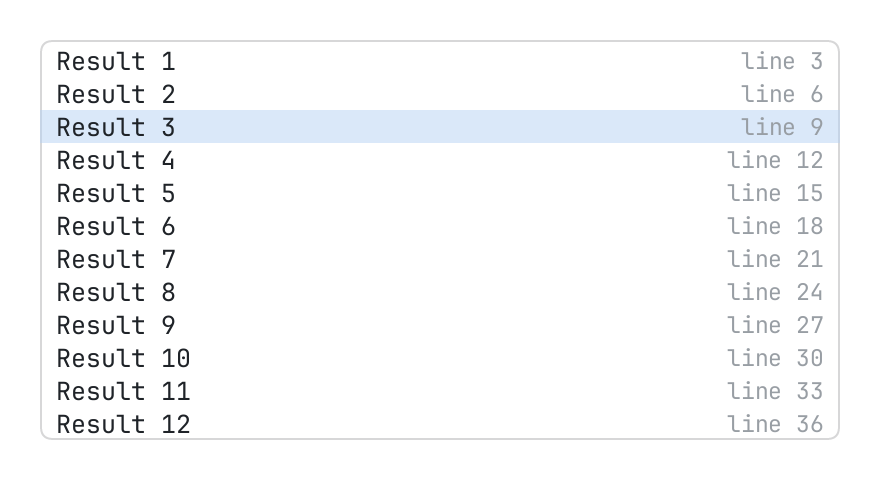
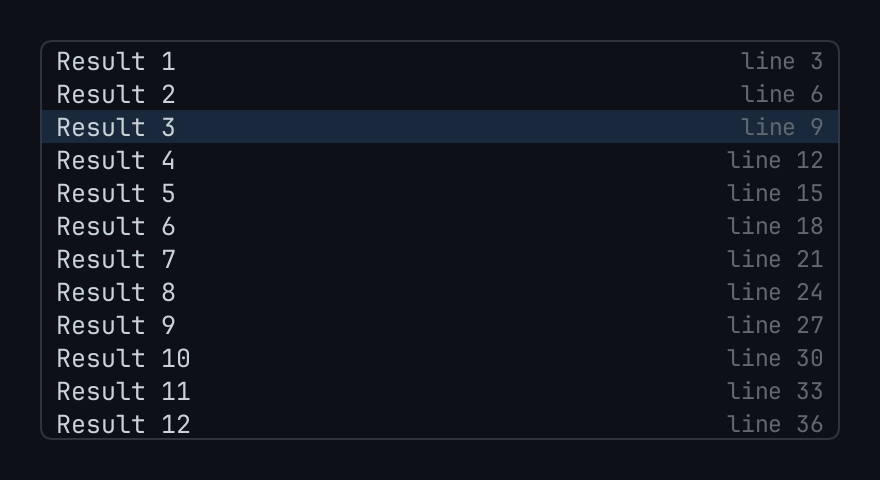
A long list of rows, built as the person scrolls.
The code
local rows = {}
for index = 1, 400 do
	table.insert(rows, { key = "r" .. index, title = "Result " .. index, hint = "line " .. index * 3 })
end
local state = { cursor = "r3", marks = {} }

return pencere.div():h(200):border(1, "border"):rounded(6):clip():child(
	u:list("results", { items = rows, state = state, height = 24, inset = 2 }))
What it does
A long list of rows, built as the person scrolls (pencere.Rows: every row of one height, the theme's row by default, and inset points around them). items are the rows' data, each with a stable key (or props.key(item) says it); row(item, index, look) makes what is in a row, where look is { selected, hovered, marked, focused } (the list draws the ground of the row, the host-friendly role and the pointer's answers), and with no row a row says the item's title and its hint. state.cursor is the key of the row chosen and state.marks a set of the keys marked (with multi): both are the page's where it gives state.
The pointer chooses a row as it goes down on it (select), a second press opens it (open) and the right button asks for its menu (context { key, at }); the command or control key held marks or unmarks it. A list that has the keyboard goes with the arrow keys, page up and down, home and end (props.key_map maps others: { j = "down", k = "up" }), opens with enter (open { how = "key" }) and marks with the space bar. focusable = false leaves the keyboard where it is (a palette's field). active says it has the keyboard when it has not (the palette's field has it), and hover_selects has the cursor follow the pointer. Rows the page has not read yet (count past the rows of items, which hold a place with nil) say need { first, last } as they come into view.