Components / Lists and data
u:grid
A grid of what a query or a table gives: columns are { key, title, type, align, width }, count how many rows there are, cell the value of one cell as words, an element, or nil where its row has not been read yet.
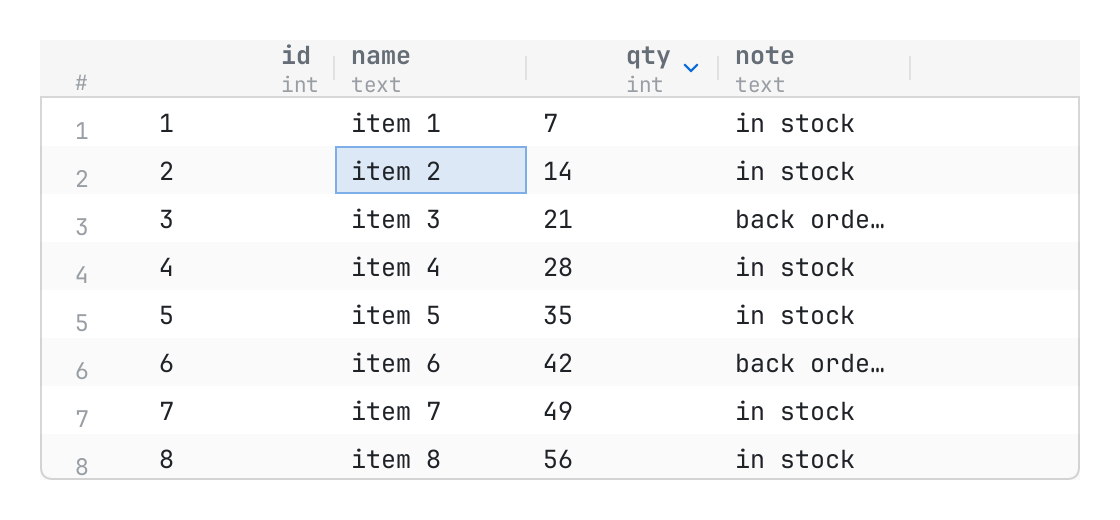
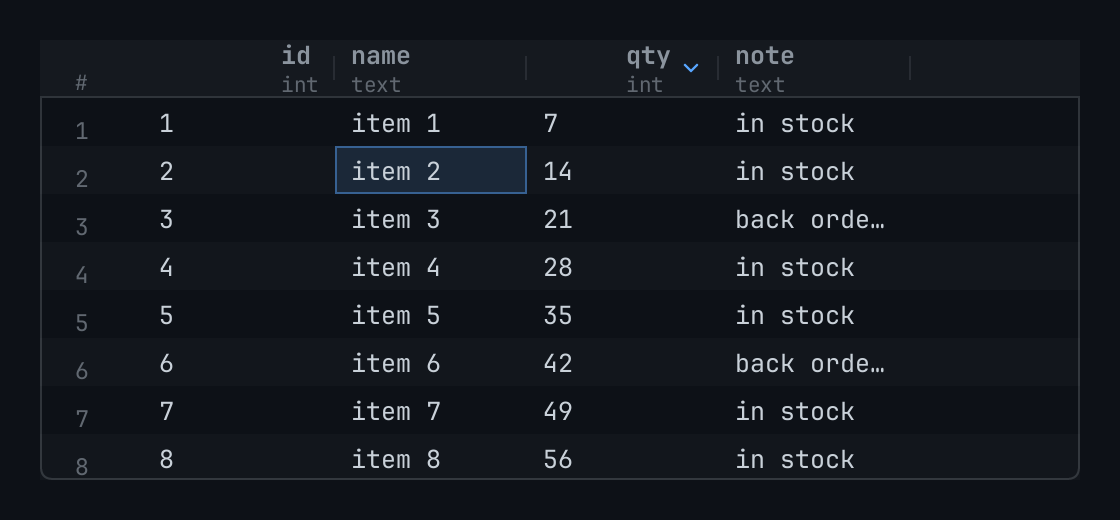
The code
local columns = {
	{ key = "id", title = "id", type = "int", align = "end" },
	{ key = "name", title = "name", type = "text" },
	{ key = "qty", title = "qty", type = "int", align = "end" },
	{ key = "note", title = "note", type = "text" },
}
local state = { cursor = { row = 2, column = 2 }, widths = {}, sort = { column = "qty", descending = true } }

local function cell(row, column)
	if column.key == "id" then
		return tostring(row)
	elseif column.key == "name" then
		return "item " .. row
	elseif column.key == "qty" then
		return tostring(row * 7 % 100)
	end
	return row % 3 == 0 and "back ordered" or "in stock"
end

return pencere.div():h(220):border(1, "border"):rounded(6):clip():child(
	u:grid("stock", { columns = columns, count = 5000, cell = cell, state = state }))
What it does
A grid of what a query or a table gives: columns are { key, title, type, align, width } (align "end" is for numbers), count how many rows there are, cell(row, column) the value of one cell as words, an element, or nil where its row has not been read yet. The rows are a long list's: only those near what is in view are made, and the columns the same across. The header does not scroll down, and goes across with the rows; the person drags the edge of a column's name to size it (resize { column, width, final }: final = false as it goes, true when it is let go after it went, and width is always there; a press on the edge that does not move it says nothing: state.widths keeps what the page has not said), and presses its name to sort (sort { column }: the page orders its rows and says it in state.sort = { column = key, descending = }, which the header draws). A press on a cell chooses it (select { row, column }), a second opens it (open), the right button asks for a menu (context { row, column, at }); with the keyboard the arrow keys, page up and down, home and end (a row's first and last column) go from cell to cell and enter opens. With select = "row" the grid chooses rows, not cells: the whole row is drawn chosen, up and down and the page keys go from row to row, home and end go to the first and the last row, left and right are the page's, and the actions still say the column pressed. Rows it has no cell for are asked as need { first, last } when they come into view. The width of a column is a guess of its title's length until a page can measure text; give width or let the person size it.