Components / Lists and data
u:completions
The completions of an editor: items in a card under the caret of the editor editor, drawn while the page gives items and stops when it gives none.
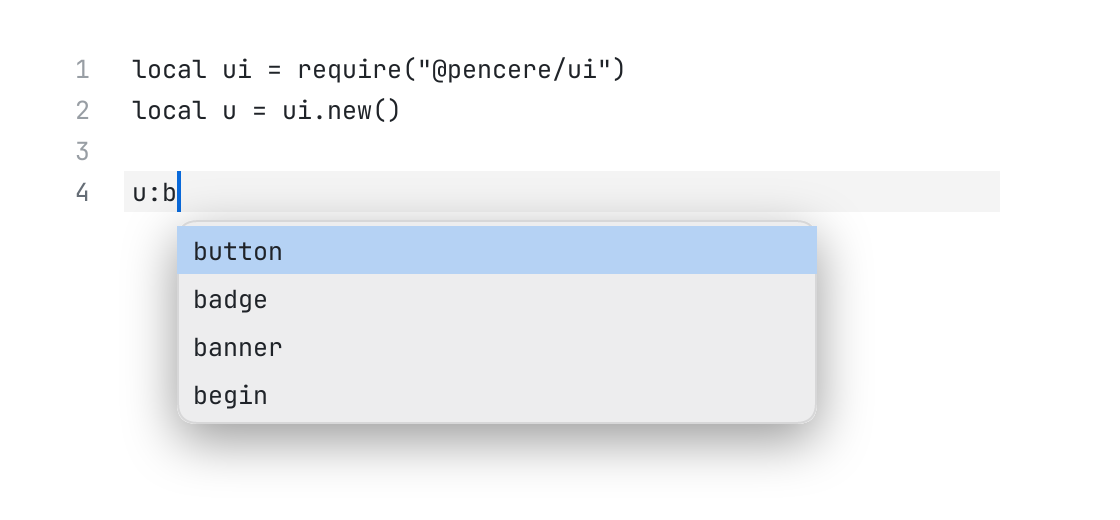
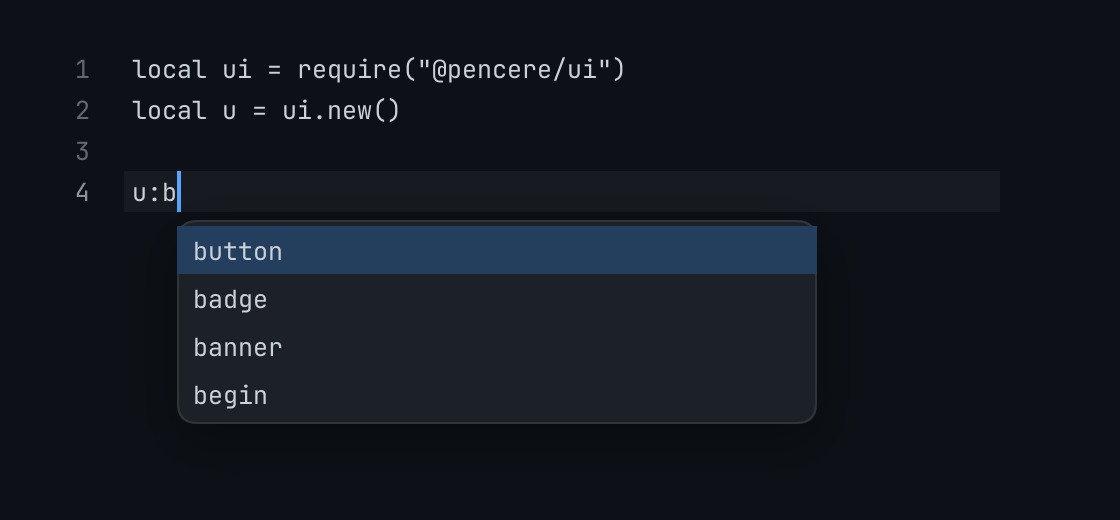
The code
local DOC = "local ui = require(\"@pencere/ui\")\nlocal u = ui.new()\n\nu:b"
local items = {
	{ key = "button", title = "button", detail = "(id, props)", icon = "dot" },
	{ key = "badge", title = "badge", detail = "(words, props)", icon = "dot" },
	{ key = "banner", title = "banner", detail = "(id, props)", icon = "dot" },
	{ key = "begin", title = "begin", detail = "(size, now, reduce_motion)", icon = "dot" },
}

return pencere.editor("code", { gutter = true }):w(480):h(160)

root:child(u:completions("complete", { editor = "code", items = items }))
What it does
The completions of an editor: items ({ key, title, hint, detail, icon }) in a card under the caret of the editor editor (above it where there is no room below), drawn while the page gives items and stops when it gives none. The editor keeps the keyboard; its keys are asked for as commands while the card is there: up and down move the cursor, enter and tab pick { item } it, escape dismisses. The page says what to complete with (it reads the editor's text at the caret) and what picking does. state is { cursor }.